In order to access your Library account and view your library card, you will need to Sign into the Library catalogue. For further information on how to Sign in, please refer to the Library Guide • Signing into the Library
- Once signed in click on the dropdown arrow located by your name.
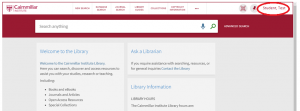
- This will open up your account with the Cairnmillar Institute Library
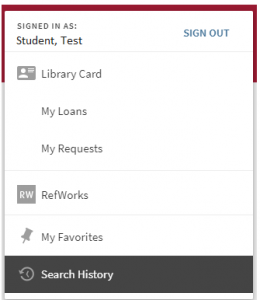
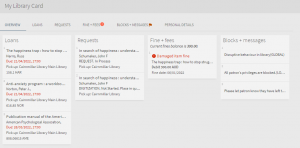
- Clicking on Library Card will give you an overview of all activity on your library account. Here you will be able to see what items you have on loan renew items, check any requests you have made, see if there are any fines & fees, check to ensure your personal details are accurate and see any messages from the Library to you.
The Cairnmillar Institute Accessing your Library Card was created 13 December 2021, and is accurate as at 6 January 2022.