Before conducting any assessment, discuss the assessment with your supervisor to ensure the assessment is appropriate for the client, is within your scope of practice, and your supervisor is confident to supervise your administration, scoring, and interpretation of the assessment and to review your report prior to dissemination to the client or referrer.
Note: You must submit requests at least 7 working days before your collection date.
Online and Physical (North Melbourne, Dandenong, CBD) Administrations – fill out this form and await further instructions from our assessment coordinator.
Physical (Hawthorn East) Administrations – you will need to access the PowerApp to request a test kit from Hawthorn East. Also, ensure that your supervisor is aware of the processes of borrowing and that they will receive an email requesting them to approve your use of the assessment/s requested. When you click on the link to the PowerApp, you will see the following three options:
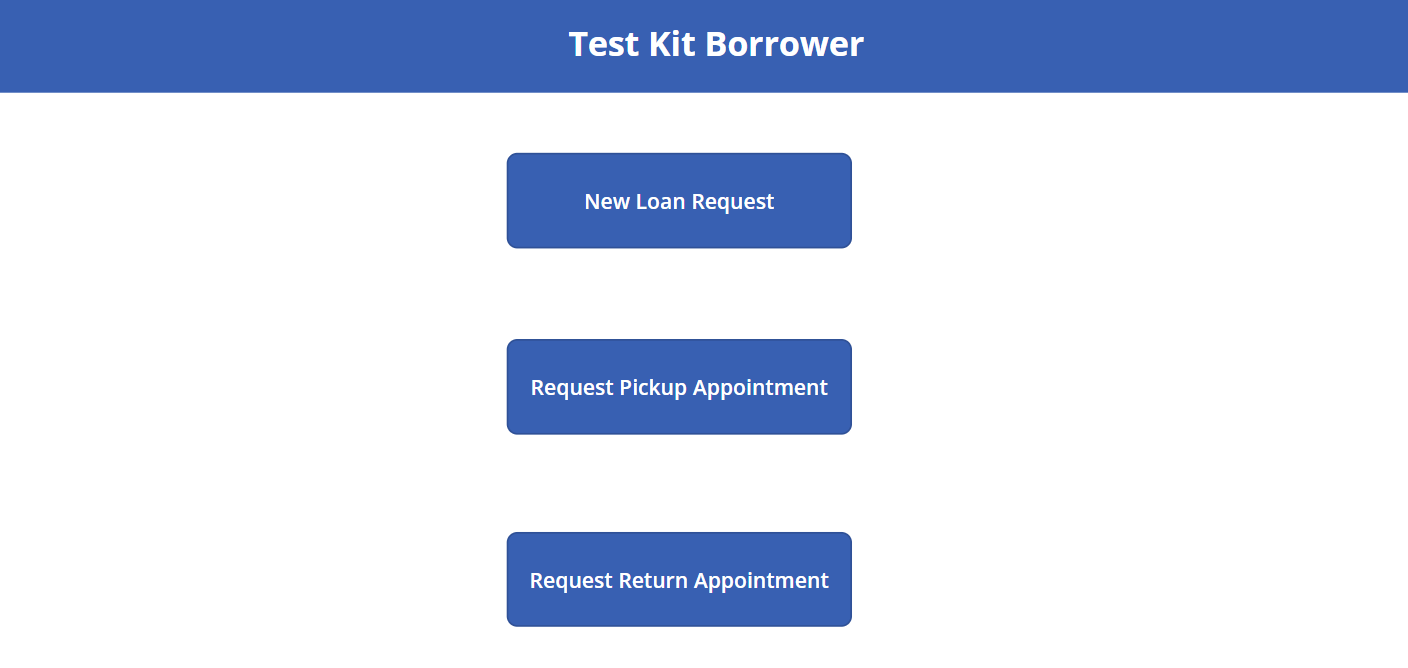
To request the assessment/s you have discussed with your supervisor, click ‘New Loan Request’.
When you click on ‘New Loan Request’ you will see the following:
- Borrower’s Name: Add your name here.
- Borrower’s Email: Add your Cairnmillar email address here.
- Borrower’s Phone number: Add your phone number here.
- Borrower’s Position: Click on the drop down and indicate student. Once you indicate that you are a student, a dropdown will appear and ask you to add your supervisor’s email address. This can be a Cairnmillar email address or a non-Cairnmillar email address. This will allow your request to be sent to your supervisor automatically for authorisation and then once your supervisor has authorised, a message will be sent automatically to the test library with the approval and the assessments requested, and to yourself indicating that the request has been approved by your supervisor.
- Test Location: Please indicate where you want to collect the assessment material from (i.e., Hawthorn East)
- Test Name: Here you will find a list of tests available at the test library you have selected above. Please click on the test you are wishing to borrow. Please note: Unfortunately, you cannot request multiple tests on the one form. For each test required, you need to put in a ‘New Loan Request’ (e.g., One form would need to be completed for the WISC-V and a further form for the WIAT-III).
- Administration Format: Please select that you are collecting a hardcopy kit or questionnaire.
- No of Assessments Required: It is unlikely that you will require more than one of the assessments requested (e.g., 3 WISC-V kits). This item is more for teaching staff where multiple kits may be required when teaching in a Unit. Please select 1.
- Report Required: Indicate if you require a score or interpretive report (please note that if running an interpretive report for the WPPSI-IV, WISC-V, or WAIS-IV you do not need to run a score report. The score report is included in the interpretive report).
- Placement Type: Indicate if you are on a clinic placement or a placement external to the Institute.
- Billable: Mark as billable if the client is being billed for the assessment.
Once you have received an email that your request has been approved, you can then come to collect your requested kit on the specified date. Loans are generally for 3 days. Loan extensions can only be made when materials are available and, where possible, please request the extension at the time of borrowing.
Please take great care of these test materials, if any items have gone missing during the time you have borrowed the assessment, you could be billed for them.