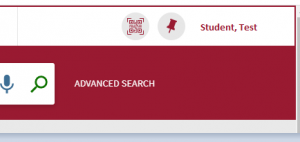
Once you are signed in you will be able to search and access all Cairnmillar subscriptions and resources held by the Library.
When signed in you will be able to access your library card and review all your Library activity.
For further information on Accessing your Library card and Renewing items online, please refer to the Library Guide • Accessing your Library Card
- Go to the Library Catalogue – Home Page
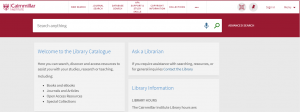
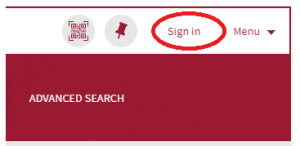
- On the top right-hand corner click Sign in
- The below sign in box will appear
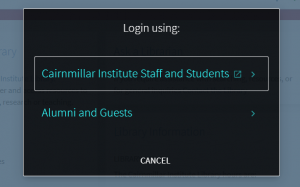
- Select Cairnmillar Institute Staff and Students
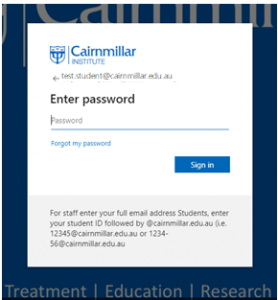
- The Cairnmillar Institute Sign in page will appear.
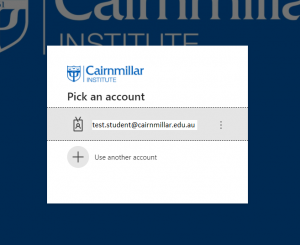
- Using your Cairnmillar Institute Username and Password Sign into the Library.
- You will then be signed into the Library and your name will appear on the top right-hand side of the Library Catalogue-Homepage